What is mileage tracking?
Mileage tracking refers to recording the distance traveled by a vehicle over time. While the term itself mentions miles, it applies universally, whether distance is measured in miles, kilometers, or any other unit.
It plays a key role for anyone who drives as part of their job. This includes delivery drivers, rideshare drivers, real estate agents, sales representatives, field technicians, home care workers, and many other professionals on the move. It is equally relevant for individuals who work for themselves and for organizations of any size, from small businesses to large enterprises.
For self-employed professionals, maintaining accurate records of business travel helps optimize tax deductions and ensures nothing is missed. For employees and companies, mileage records are essential for accurate, compliant reimbursements and internal reporting.
What are the different types of mileage trackers?
Paper logs and digital manual logs
Paper logs are one of the oldest methods of tracking mileage. Drivers manually record each trip, including distance, date, and destination. While still used today, this method is gradually being replaced by more efficient solutions.
Digital logs follow the same principle, but instead of paper, they use tools such as spreadsheets or note-taking apps. While they offer slightly more convenience, they still rely entirely on manual input.
Templates are widely available and usually include all required information for tax compliance, along with standardized rates to simplify calculations.
However, both paper and digital logs come with clear limitations. They are time-consuming, prone to human error, and easy to forget. In a business environment, they also introduce additional administrative steps, such as approvals and manual data entry into payroll or accounting systems. This often leads to inefficiencies, inaccuracies, and frustration on both sides.
For self-employed users, the process is simpler but still involves manual effort, calculations, and coordination with accountants if needed. There is also the ongoing risk of losing records or accidentally deleting files.
Physical devices
Another option is dedicated hardware installed directly in the vehicle. These devices can track distance automatically and with high precision, typically only when the vehicle is in motion.
While reliable, they come with higher costs. Installation may require professional assistance, and each vehicle needs its own device. There are also ongoing costs related to maintenance and operation.
This approach can be suitable for businesses with stable fleets, but it is less flexible and often less cost-effective compared to modern app-based solutions.
Mileage tracking apps
Mobile apps have become the most popular way to track mileage. They combine ease of use, affordability, and high accuracy in a single solution.
Users appreciate how quickly they can be set up and how little effort they require in daily use. Depending on the app, trips can be recorded manually or automatically. More advanced apps detect movement and start tracking without any action from the driver.
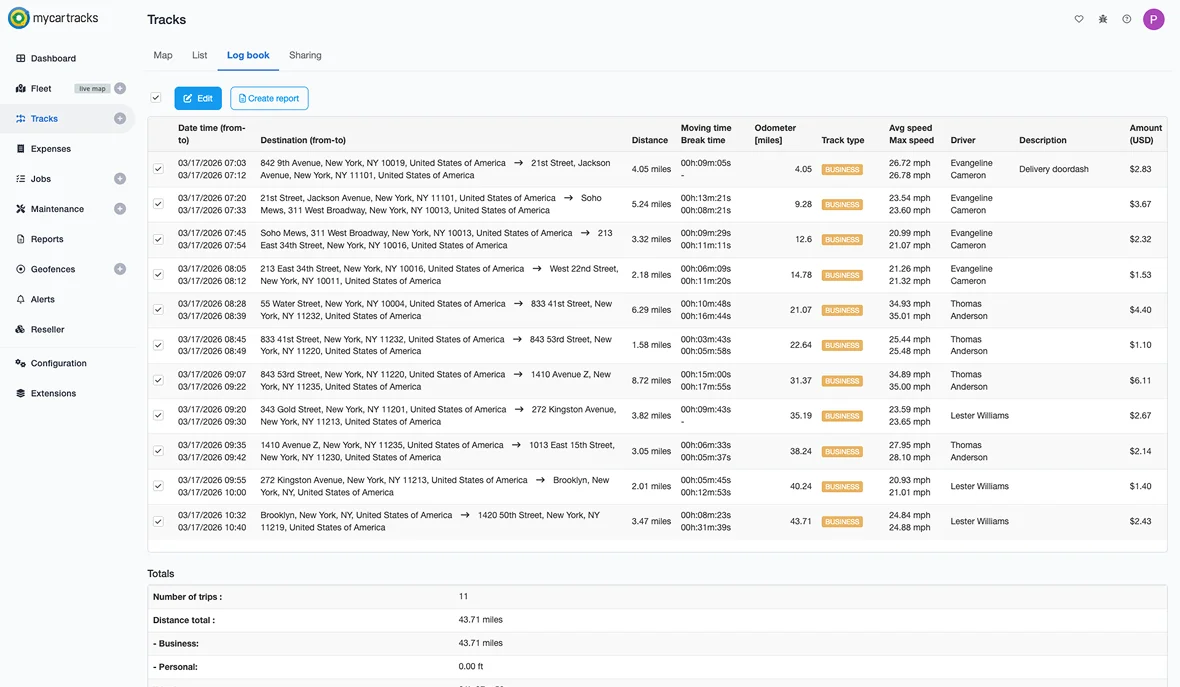
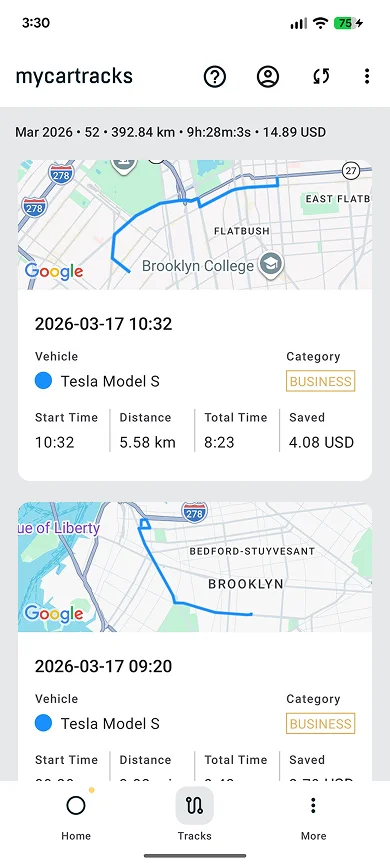
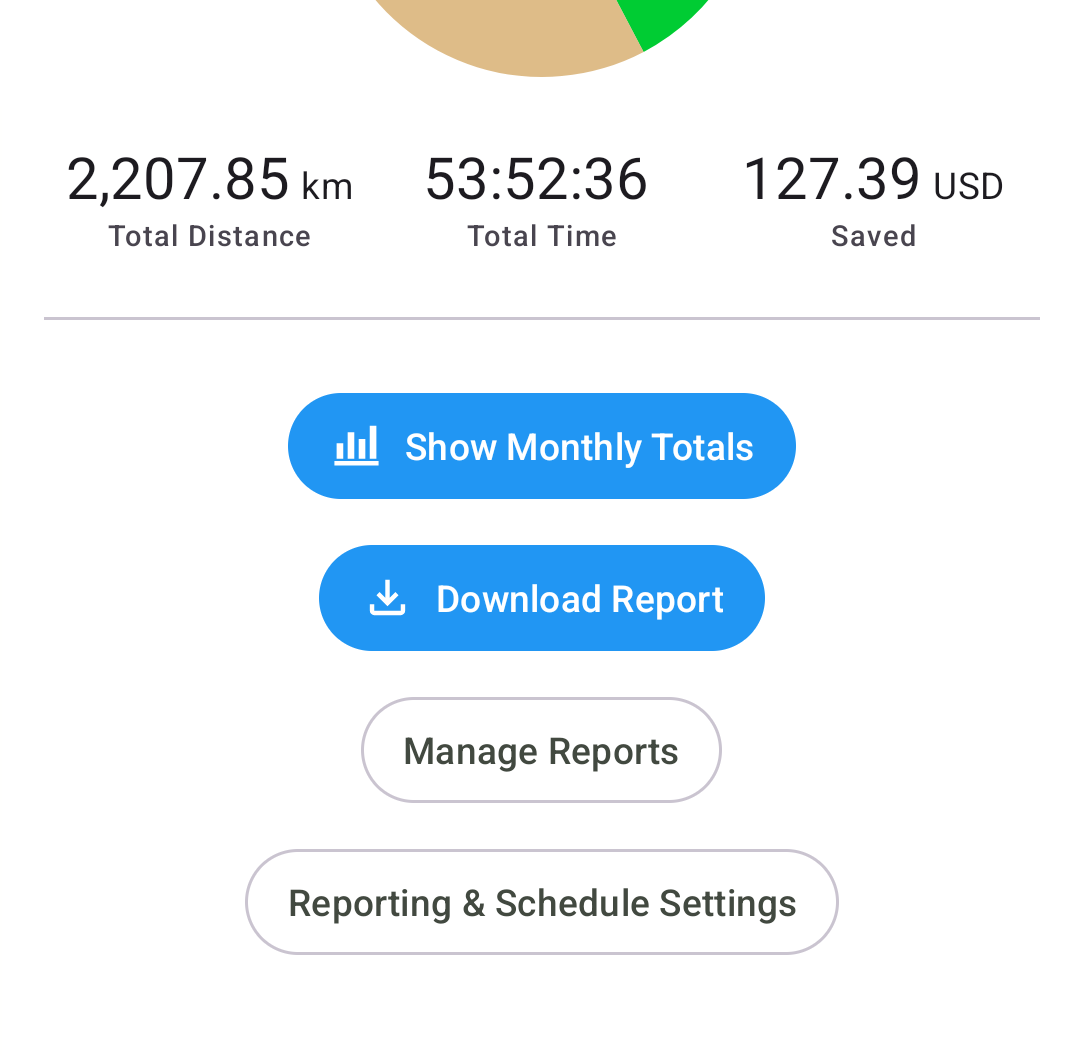
In addition to tracking distance, many apps provide features such as trip classification, reporting, route visualization, and data export.
Benefits of using a mileage tracker app
Mileage tracking apps provide clear advantages for both individuals and businesses. From improving accuracy to reducing administrative workload, their impact goes far beyond simple distance tracking.
It is accurate
Accuracy is the foundation of effective mileage tracking. Without reliable data, records lose their value for both financial and operational purposes.
What does accuracy mean for the self-employed?
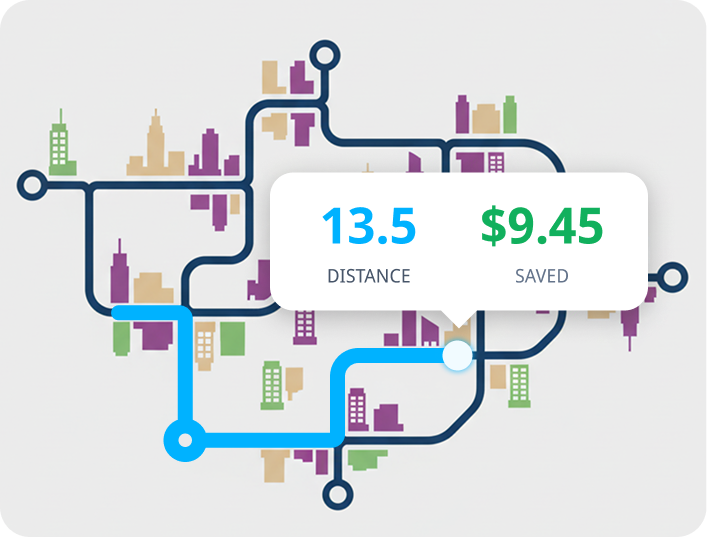
With a dependable tracking solution, self-employed professionals can rely on complete and precise records of their business travel. When it comes time to file taxes, all relevant trips are already documented, making it easier to claim the full deduction and avoid missing potential savings.
What does accuracy mean for companies?
For businesses, accurate mileage data supports tax compliance and ensures that reimbursements are fair and verifiable.
If employees use company vehicles, accurate records help calculate any taxable benefits and compare usage with fuel costs. If employees use personal vehicles, both the company and the employee can be confident that reimbursements reflect actual business travel.
Additionally, the data collected, such as trip duration and destinations, can provide valuable insights into operations, including time spent driving and frequently visited locations.
It saves time
Automation significantly reduces the time required for tracking and reporting mileage. Drivers no longer need to manually log every trip, and administrative processes become much more efficient.
How do self-employed individuals save time?
Whether using manual or automatic tracking, apps eliminate the need to calculate distances and record trip details manually. Everything from distance to time and location is captured automatically and stored in one place.
This allows users to focus on their work instead of spending time on repetitive administrative tasks.
How do companies save time?
For businesses, apps streamline the entire process, from data collection to approvals. While there may be a short onboarding period, the long-term time savings are substantial for both drivers and managers.
Even small daily time savings add up quickly across teams, reducing overall administrative workload.
It saves money
Although manual methods may appear cheaper at first, mileage tracking apps often result in greater overall savings due to improved accuracy and efficiency.
How do the self-employed save money?
With consistent and accurate tracking, self-employed users can ensure that all business travel is accounted for. This leads to more accurate tax reporting and the ability to fully benefit from available deductions.
In addition, some apps help identify other deductible expenses, further reducing the overall tax burden.
How do companies save money?
Businesses benefit from accurate reimbursement calculations, avoiding both overpayments and underpayments. Clear records also support tax compliance, reducing potential risks.
Time savings also translate into financial savings, especially when employees are paid for their time.
Many companies that switch to app-based tracking report noticeable reductions in reimbursement costs due to improved accuracy and transparency.
It keeps you stress-free and organized
Automatic tracking reduces the risk of missing trips and ensures that all records are securely stored and easily accessible.
What does it mean for self-employed individuals?
When tax season arrives, all mileage records are already organized and ready to use. In case of a tax audit, documentation is complete, structured, and easy to provide.
What does it mean for companies?
For businesses, mileage tracking becomes a predictable and manageable process. Records are always up to date, and reporting is simplified.
Advanced features such as tagging and categorization also help allocate costs to the correct projects or departments.
How do mileage tracker apps work?
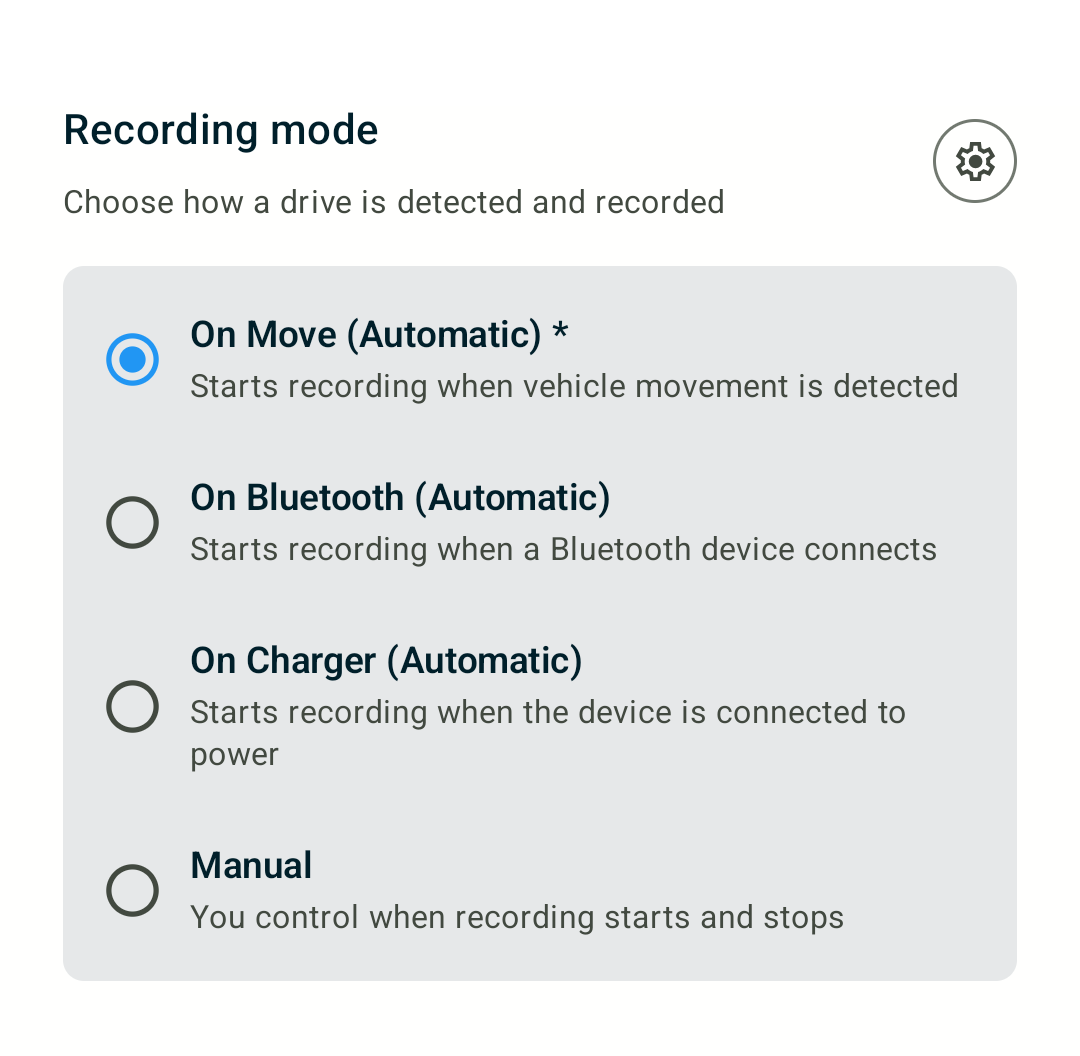
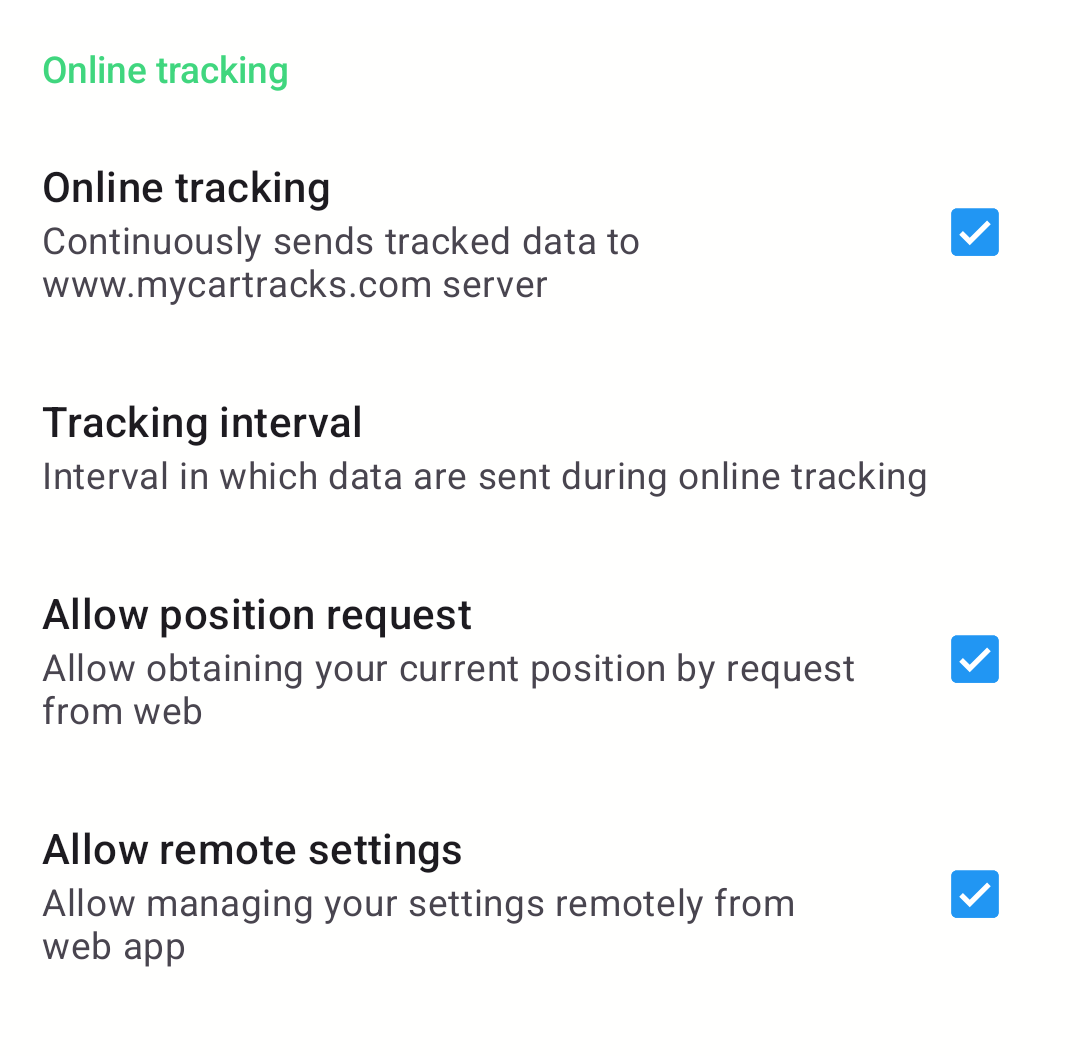
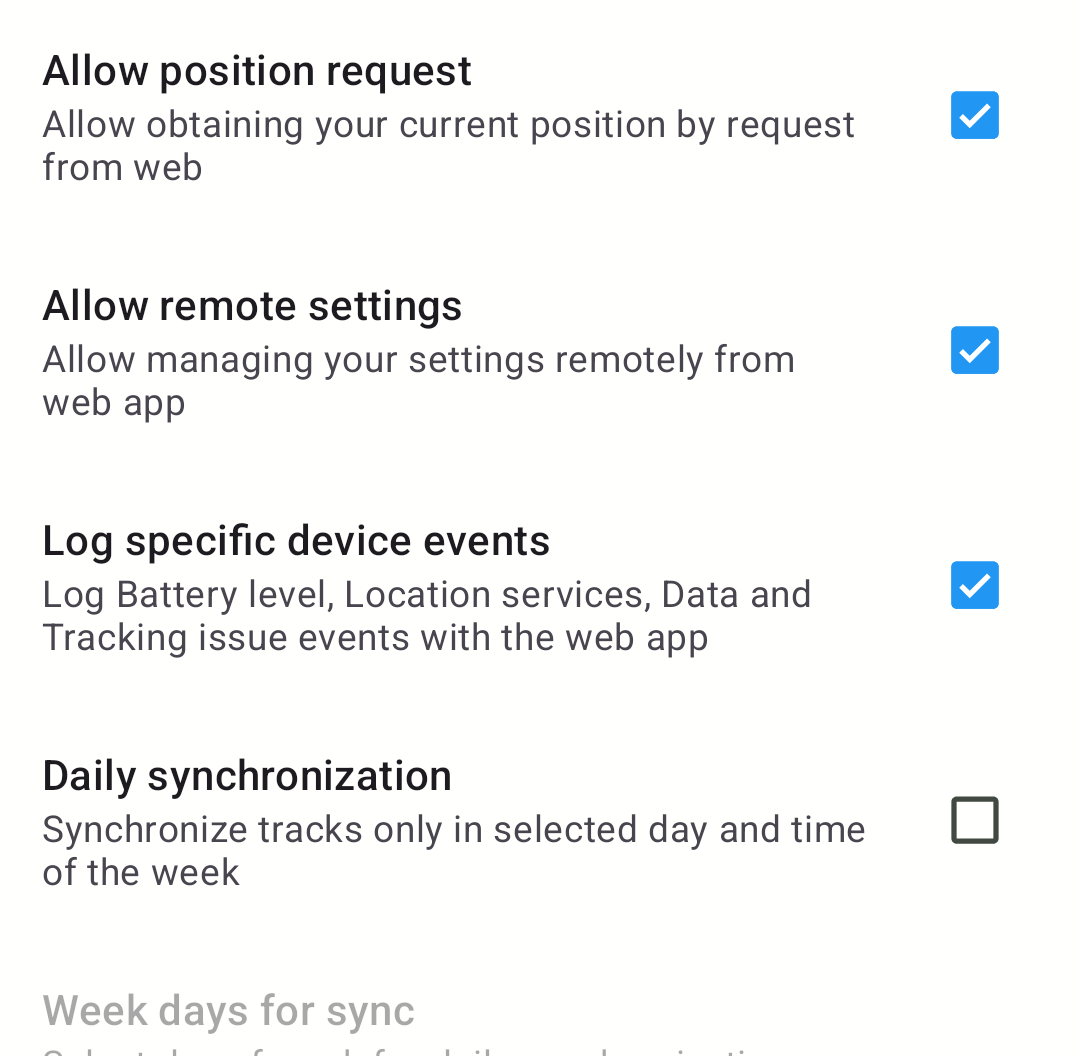
Mileage tracking apps typically operate in three ways: manual entry, manual start, and automatic tracking. Many modern apps, including MyCarTracks, offer all three options so users can choose what fits each situation best.
Manual entry works similarly to traditional logs, where users input trip details themselves.
Manual start tracking requires users to start and stop recording each trip, after which the app calculates the distance automatically.
Automatic tracking detects movement and records trips without any user interaction. It also determines when a trip ends based on movement patterns.
These apps rely on GPS to determine location and calculate distance. Many also display the route taken and store all trip data securely, allowing users to review, export, or share it when needed.
Who should use mileage tracking apps?
Mileage tracking apps are ideal for anyone who uses a vehicle for work and needs to separate business and personal travel.
This includes self-employed professionals, contractors, consultants, and mobile workers across various industries. It also applies to companies with mobile teams or employees who use their own vehicles for work.
Even employees without a formal company tracking system can benefit from using an app to maintain accurate personal records and simplify expense reporting.
Are there any downsides to using a mileage tracking app?
As with any tool, there are potential limitations to consider.
Manual tracking options depend on user input and can lead to missed trips. Manual start tracking can also be unreliable if users forget to start or stop recording.
Automatic tracking, while highly convenient, may occasionally require review if a trip is misclassified or not recorded correctly.
Privacy can also be a concern, as tracking involves location data. It is important to choose an app that clearly defines how data is stored, protected, and shared.
Cost may be another factor, although many apps offer free versions or trial periods to evaluate their value before committing.
How much do mileage tracking apps cost?
Mileage tracking apps are available across a wide price range, from free versions to premium plans with advanced features.
Free versions typically come with limitations, such as a restricted number of tracked trips or reduced functionality. Paid plans remove these limits and offer additional features such as automatic tracking, reporting, and integrations.
Many providers also offer free trials, allowing users to test premium features before subscribing. Annual billing often comes with a discounted rate compared to monthly payments.
Most important features of mileage trackers
With many options available, choosing the right mileage tracking app depends on your specific needs. The following features are worth considering.
Accuracy and reliability
A tracking solution must provide consistent and precise data. Without this, the value of mileage tracking is significantly reduced.
Multiple tracking options
Flexibility is important. The ability to switch between automatic tracking, manual tracking, and manual entry ensures that all trips can be recorded under different circumstances.
Trip classification
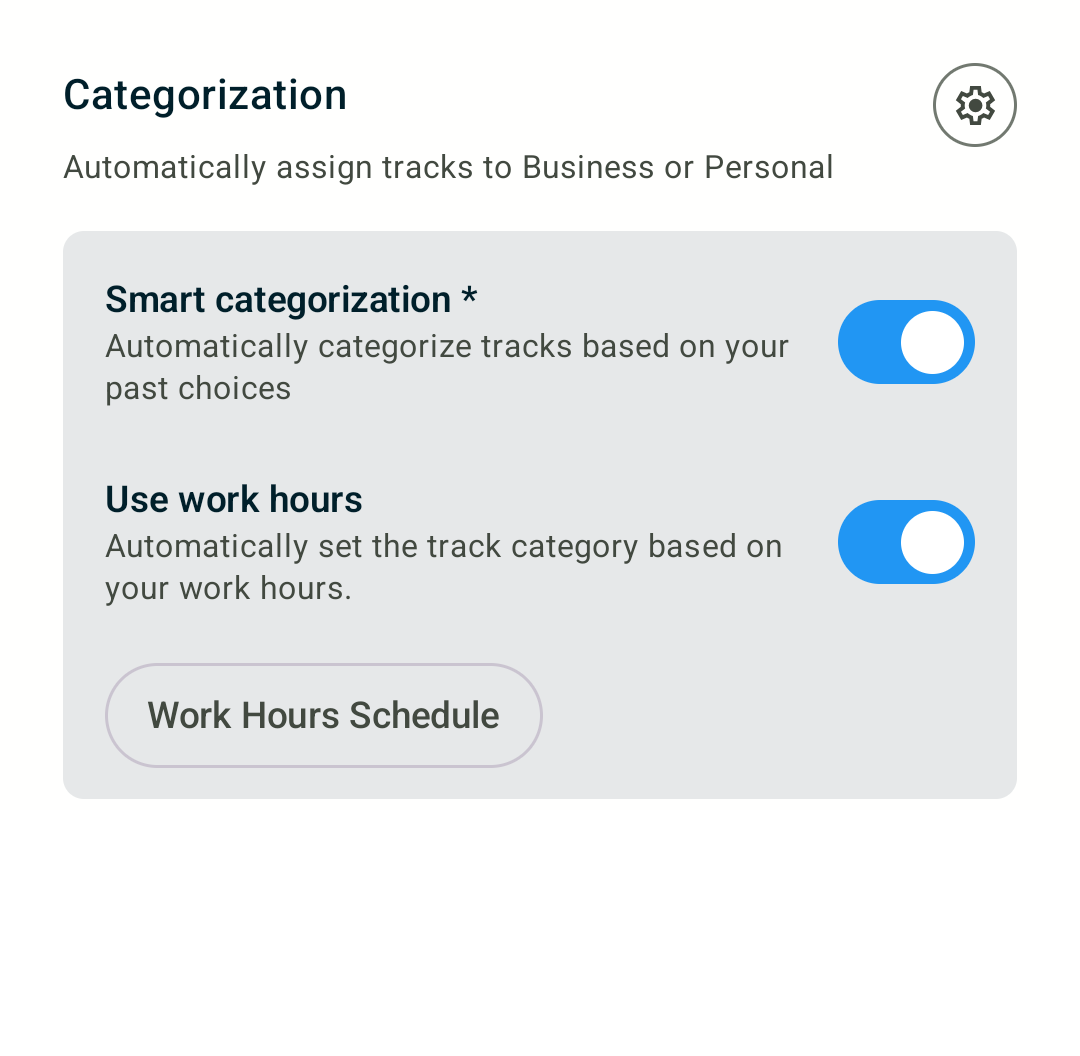
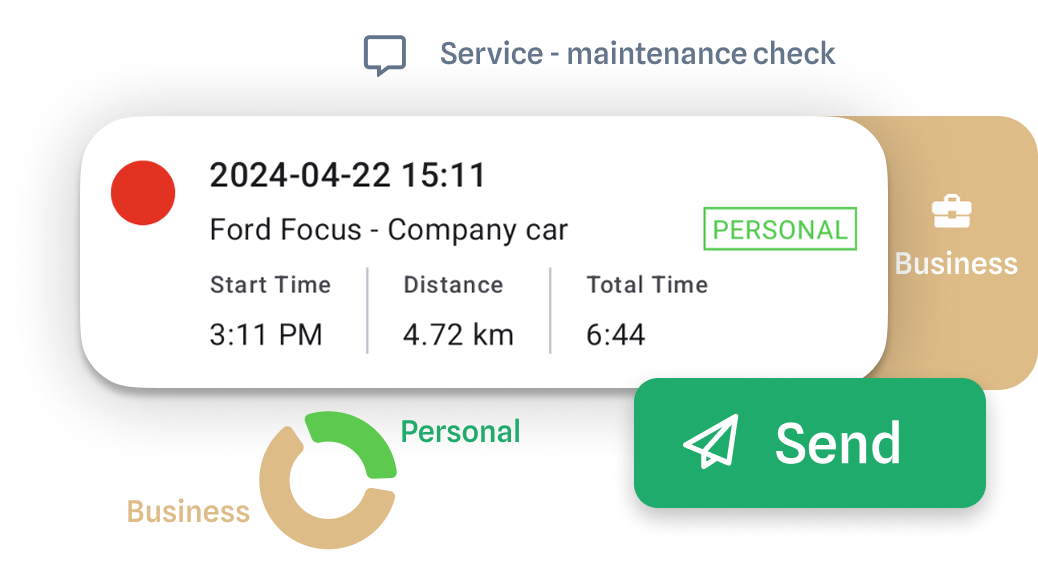
Separating business and personal trips is essential for accurate reporting. Some apps also offer automatic classification based on time, location, or predefined rules.
Visual route maps
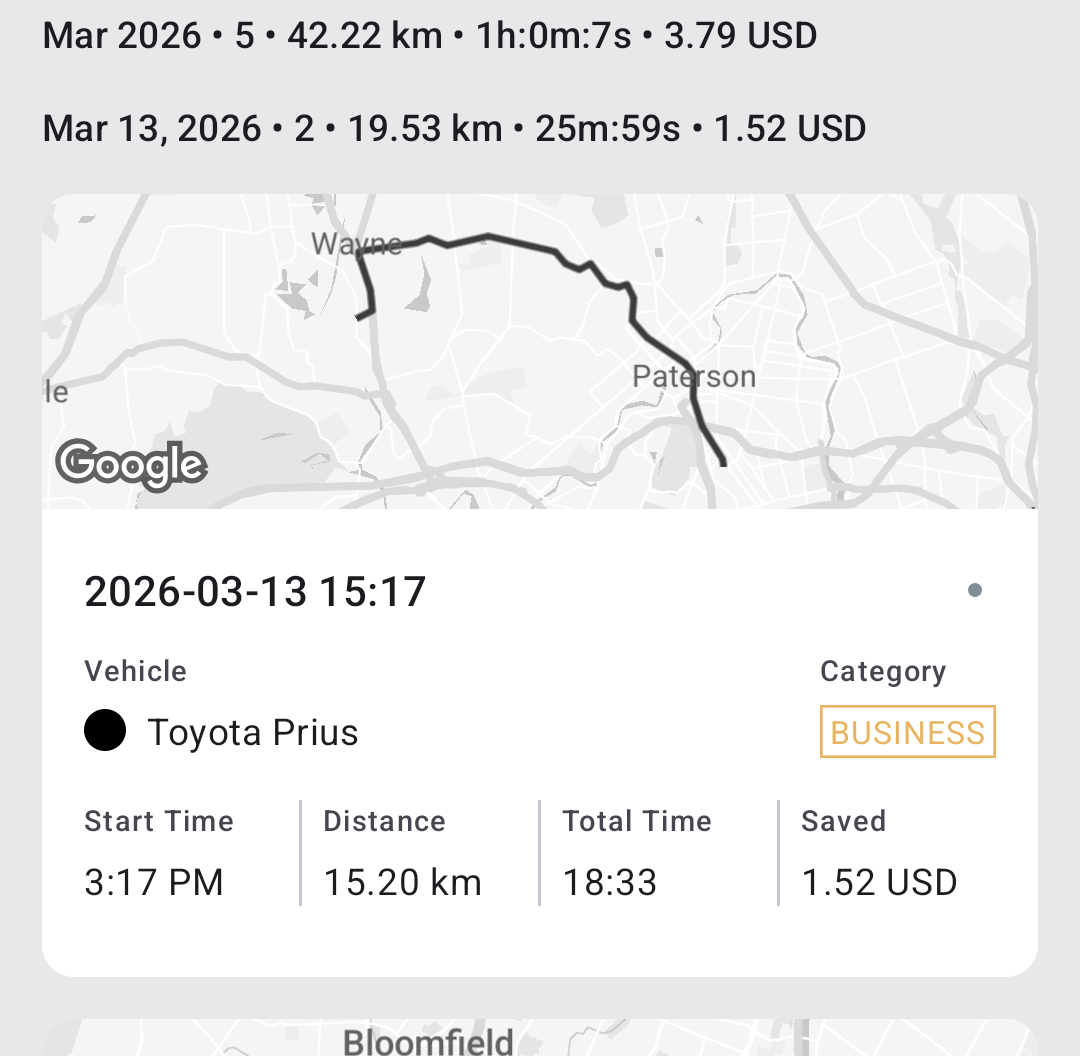
Seeing the actual route helps users quickly recognize and verify trips, making classification faster and more intuitive.
Data export and sharing
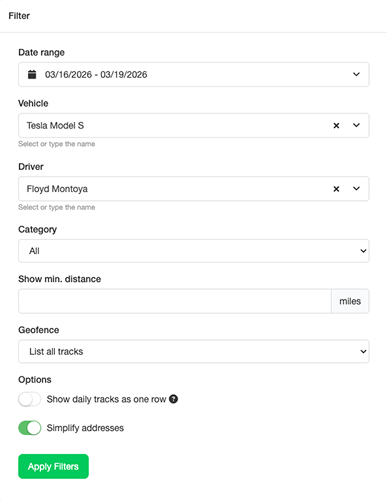
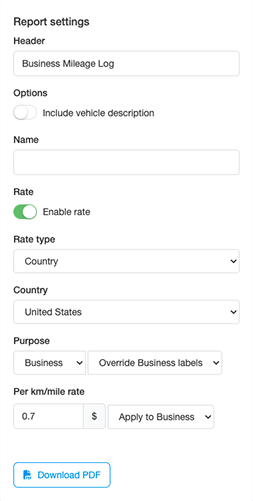
The ability to export data in formats such as PDF or spreadsheets is important for reporting, accounting, and compliance purposes.
Data security
Since mileage tracking involves location data, strong security measures are essential. Users should have control over who can access their data and how it is used.
Expense tracking
Some apps also allow users to track additional expenses such as tolls, parking, or other business-related costs. This provides a more complete overview of total travel expenses.
FAQs
What is the best way to track mileage?
Automatic tracking is generally the most efficient approach. It ensures consistent data capture with minimal effort and reduces the risk of missed trips.
What is the best mileage tracking app?
The best solution depends on individual needs. Some users prefer advanced features and customization, while others value simplicity and ease of use. Testing different options is often the best way to find the right fit.
What happens if I am driving in an area with poor signal?
Reliable apps continue to record trips using GPS and synchronize the data once a connection is available again.
Who can see the mileage and trips I have tracked?
Access depends on the app's settings. Some allow full visibility for employers, while others limit access to business trips only. Users typically have control over who can view their data.
Is there a free mileage tracking app?
Yes, many apps offer free plans with basic functionality, which can be sufficient for users with lower tracking needs.
How much do mileage tracking apps cost?
Paid plans typically range from a few units of currency per month to higher tiers depending on features and usage limits.